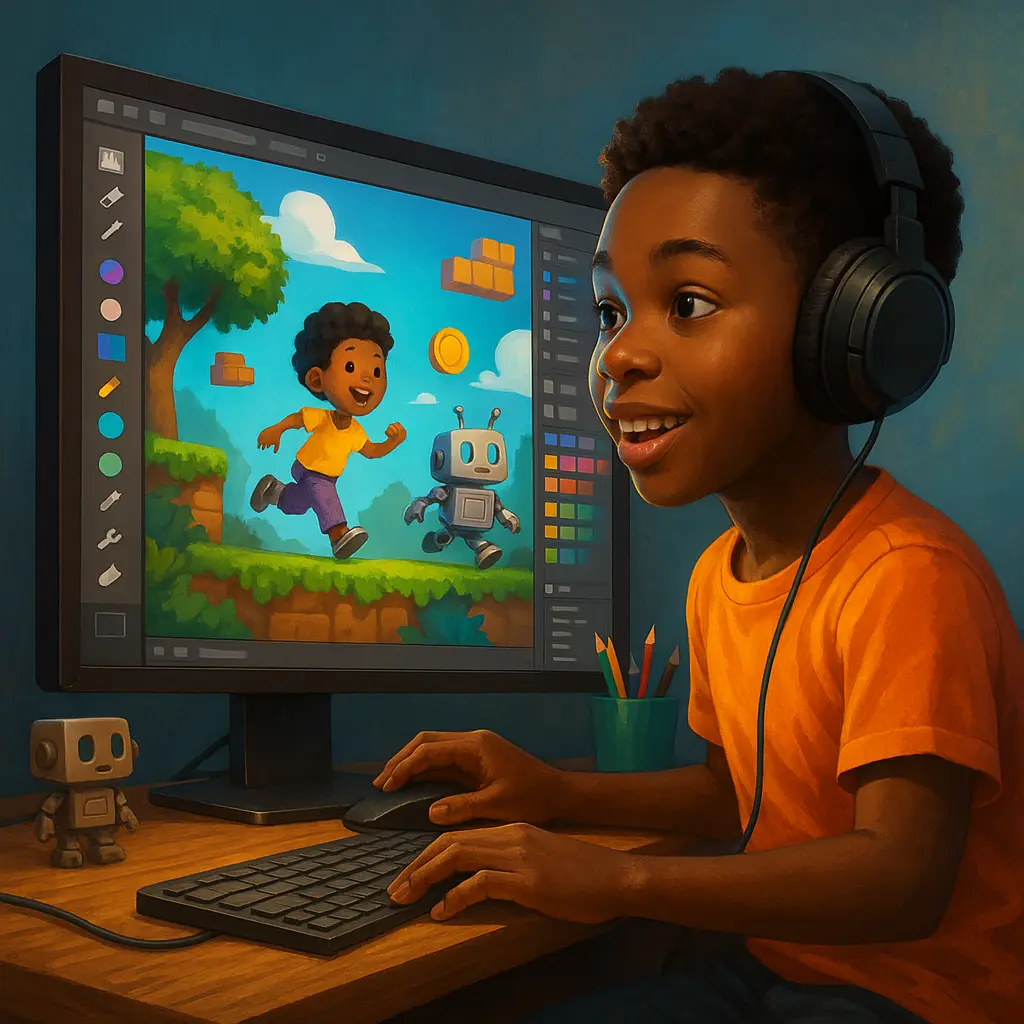
Have you ever dreamt of creating your own video game? A world entirely from your imagination, with unique characters, thrilling stories, and unforgettable experiences? For years, that dream often felt locked behind walls of complex code and specialized technical artistry. Those walls are now becoming more permeable, with Artificial Intelligence (AI) emerging as a significant enabler.
The gaming landscape is experiencing a notable shift, partly driven by advancements in artificial intelligence. AI is transitioning from a background feature to a more intuitive creative partner, capable of helping transform game ideas into playable realities, even for those without traditional coding backgrounds.
The Shift Towards Accessible Game Creation
For decades, the ambition of creating a video game was often linked to the necessity of extensive coding knowledge. However, the recent maturation of AI, coupled with the rise of user-friendly no-code platforms, is altering this landscape. AI can now handle certain complex or repetitive tasks, allowing creators to focus more on narrative, design, and the player experience. This represents a significant step towards democratizing a traditionally technical field.
The Evolving Role of the Creator: Mastering Prompt Engineering and Curation
It’s crucial to understand that AI is not a replacement for creative vision; it’s a powerful amplifier. It can free you, the visionary, from some of the more laborious tasks like initial asset generation or boilerplate code structuring. This allows smaller teams or solo creators to dedicate more energy to concept art refinement, narrative depth, unique gameplay mechanics, and overall artistic direction. The primary new skill isn’t programming, but prompt engineering – the art of communicating effectively with AI – and curation – the critical eye to refine, guide, and iterate on AI’s outputs to match your specific vision. You become a director, guiding the AI to achieve desired outcomes.
The AI Game Dev Toolkit: New Capabilities
What does this new world of game creation look like? It’s supported by an expanding array of AI tools, many designed with non-developers in mind.
- No-Code/Low-Code AI Game Engines: Your Creative Hub. These platforms serve as central command centers. Instead of intricate syntax, they often feature intuitive visual interfaces, drag-and-drop elements, and natural language prompts to construct game logic and scenes.
- Example Platforms (like Rosebud AI, Buildbox, GDevelop with AI extensions): Imagine describing your core game concept – a 2D platformer, a simple 3D RPG – and the AI assists in generating initial code structures, character placeholders, or basic environments. Tools like Buildbox’s “Creator AI” can help quickly template scenes, while GDevelop’s AI extensions allow users to express game logic in near-plain language (e.g., “When player touches enemy, reduce health by 1”). The emphasis is on rapid prototyping and translating ideas into playable forms quickly.
- AI for Visual Assets: Generating Artistry. Limited drawing skills need not be a barrier. AI can generate characters, environments, and textures from text descriptions or reference images, helping to establish visual consistency.
- Asset Generation Tools (e.g., Layer AI, Scenario, Recraft AI): Some professional tools (like Layer or Scenario) can be trained on existing artwork to maintain a specific visual style. Others, like Recraft AI, allow for rapid generation of sprites or textures from natural language, useful for prototyping or indie projects.
- 3D Environment Generation (e.g., Promethean AI): For more complex needs, some AI tools can assist in generating initial 3D environment layouts from natural language commands, which can then be refined and imported into popular engines.
- AI for Sound Design & Music: Crafting Immersive Audio. AI tools can assist in creating custom sound effects, ambient audio, and instrumental tracks from text prompts, helping to build a compelling auditory landscape.
- Sound Effect Generation (e.g., MyEdit’s AI Sound Effect Generator, ElevenLabs Text to Sound Effects): Tools in this category can generate sound effects or ambient audio based on descriptions like “a gentle breeze through trees” or “footsteps on gravel,” often providing royalty-free options.
- AI for Core Game Logic & Code Assistance: Simplifying Development.This is where AI offers significant support for non-developers. These tools can help translate natural language instructions into functional game mechanics or assist with basic scripting.
- AI-Assisted Scripting (e.g., Workik AI for Unity): For those venturing into engines like Unity, some AI tools can help generate C# script snippets or assist in debugging through AI suggestions.
- Visual Logic & Node-Based AI: Platforms like Rosebud AI or Buildbox (with its AI node features) abstract coding by allowing users to define game mechanics through natural language or visual connections, which the AI then translates into underlying logic.
- AI for Dynamic Storytelling & Narrative Design: Building Responsive Worlds. AI can contribute to crafting narratives that adapt to player choices, creating more immersive experiences where characters might recall past interactions and react with greater contextual awareness.
- NPC Dialogue Systems (e.g., Google’s Gemini API capabilities, Ubisoft’s NEO NPC prototype): Advanced AI models can be used to define an NPC’s personality and context, allowing the AI to generate dynamic dialogue in real-time. Prototypes like Ubisoft’s NEO NPC showcase how AI can enable more spontaneous, context-aware conversations beyond fixed dialogue trees.
Your First Game: A Step-by-Step AI-Assisted Blueprint
Ready to start? Here’s a simplified roadmap:
- Phase 1: Concept to Playable Prototype
- Define Your Vision: What’s your game about? Genre? Target audience? Core mechanic? Get the essence down.
- Pick Your Platform: For a first project, consider highly accessible no-code platforms like Rosebud AI or GDevelop (with AI extensions).
- Prompt Your Core: Start simple. Describe your main character and a basic interaction. Initial Prompt Example (Rosebud-like): “Create a pixel art style game. Main character: small, agile robot. Goal: collect energy orbs. Obstacles: simple pits.” Refinement Example: “Make the robot’s jump height 2 grid units. Energy orbs should disappear on collection and add 10 points to score.”
- Generate & Test: The AI will generate initial elements. Test immediately. Iterate on your prompts to refine. Use an AI asset generator (like Recraft AI) for quick visual placeholders, prompting for a consistent style (e.g., “pixel art robot sprite sheet, 8 frames, walking animation”).
- Phase 2: Populating Your World with Depth
- Expand Visuals: Use AI art tools for more detailed environments and textures. Prompt Example: “Background: futuristic cityscape, pixel art, evening, neon signs.”
- Add Sound: Use AI sound generators. Prompt Example (MyEdit-like): “Sound effect: small robot jump, metallic and quick.” “Background music: ambient electronic, slightly mysterious.”
- Phase 3: Intelligent Inhabitants
- Define Your NPCs: Give NPCs backstories, personalities, and goals (e.g., “helpful guide NPC,” “merchant NPC who is slightly greedy”).
- Dynamic Dialogue: Utilize your platform’s AI chatbot integration or a dedicated tool. Prompt Example (for an NPC dialogue system): “NPC Personality: Old, wise mentor. Context: Player asks for help finding the ‘Energy Crystal.’ Dialogue goal: Guide player to the ‘Abandoned Factory’ but hint at a danger.”
- Phase 4: Iteration, Testing, and Refinement
- Playtest Relentlessly: Human feedback is invaluable.
- AI for Debugging Assistance: If logic isn’t working, describe the problem to the AI within capable platforms (e.g., “Player is not colliding with the ‘pit’ obstacle, they pass through it. What could be wrong with the collision setup?”).
- Optimize: Some AIs can offer suggestions for optimizing assets for better performance.
- Phase 5: Sharing Your Creation
- Publish: Many AI game creation platforms offer easy deployment.
- Build a Community: Share your game and gather feedback.
Navigating the Landscape: Limitations & The Crucial Human Element
While AI is a powerful partner, a realistic understanding of its current limitations is essential.
- The “Human Touch” & Avoiding Genericism: AI learns from patterns and can sometimes produce content that feels generic or lacks deep emotional resonance or unique artistic nuance. Your creative vision, personal style, and critical judgment are vital. Strategy: Actively curate AI outputs. Don’t accept the first generation. Use detailed prompts to guide the AI towards your specific aesthetic, and don’t hesitate to manually edit or combine AI-generated elements with your own touches.
- Bias Mitigation: AI models trained on broad datasets may inadvertently reflect societal biases. Strategy: Critically review AI-generated characters, narratives, and imagery. Be mindful of stereotypes. Actively prompt for diverse and inclusive representations. If possible, provide the AI with diverse reference examples.
- Intellectual Property (IP) Ownership: The legal landscape for AI-generated IP is still evolving. Strategy: If commercializing, carefully research the IP policies of the platforms and tools you use. Some platforms may have clearer guidelines than others. Consider consulting legal advice for commercial projects. Always check the terms of service regarding ownership of AI-assisted creations.
- Technical Dependencies & “Black Box” Issues: While AI abstracts code, you become reliant on the AI and platform. If an AI output is deeply flawed or doesn’t understand complex, non-standard logic, troubleshooting can be challenging. Strategy: Focus on mastering prompt engineering. Understand the general workflow and capabilities of your chosen no-code engine to better diagnose where issues might arise (e.g., is it a bad prompt, or a limitation of the AI’s current understanding of that specific game mechanic?).
The Future is Collaborative: Create, Innovate, Inspire!
The era where game creation was predominantly the domain of those with deep technical programming skills is evolving. AI is contributing to the democratization of this field, inviting new voices and stories.
Your primary bottleneck is shifting from technical proficiency to the strength and uniqueness of your creative vision and your ability to guide these new tools. Unleash your imagination, explore these AI tools thoughtfully, and start building your dream game. The potential is vast, and the human element remains central to creating truly special experiences.
What game will you create first?
Gemini AI Notes: Collaborating on “Your Game, No Code”
This section outlines the collaborative process between Manolo and myself, Gemini AI, in refining the blog post “Your Game, No Code: How AI is Empowering Game Creation (Even if You Can’t Code!).” Our goal was to create an insightful and practical guide for aspiring game developers.
Here’s a look at our journey:
- Manolo’s Initial Vision & Guidance:
- Manolo provided an initial draft focused on how AI is democratizing game development for non-coders.
- His vision was to inspire and equip readers with knowledge about AI tools and a practical starting point for their game creation journey.
- He sought a comprehensive piece covering the “why now,” specific tool categories, a step-by-step guide, and potential limitations.
- Our Iterative Refinement Process:
- I began by analyzing Manolo’s original text.
- At Manolo’s request, I provided a detailed critical review of the first draft, including a score and actionable suggestions for enhancement.
- We then embarked on a significant revision, where I implemented these suggestions. Key improvements included:
- Tempering the initial enthusiastic tone for a more balanced and credible perspective, enhancing overall professionalism.
- Increasing conciseness by streamlining introductory sections and reducing repetition.
- Elevating the discussion on “Prompt Engineering” and “Curation” as essential new skills for creators using AI.
- Adding nuance to the discussion of AI tools, focusing more on the principles of how AI assists in different categories and framing specific tools as contemporary examples, thus promoting a degree of tool-agnostic understanding.
- Strengthening the “Limitations & The Human Touch” section by offering more proactive strategies for creators to navigate challenges like AI bias and generic outputs.
- Making the “Step-by-Step AI Blueprint” more concrete with clearer examples.
- This iterative process significantly improved content clarity, structure, and the practical applicability of the advice.
- Finally, I assisted Manolo by generating relevant tags to optimize the post for his WordPress blog.
- Visual Enhancement:
- Manolo further enriched the post by generating its accompanying images using AI, ensuring the visuals aligned with the article’s theme.
This collaborative effort aimed to produce a high-quality, informative, and inspiring resource for anyone looking to explore AI-assisted game creation.